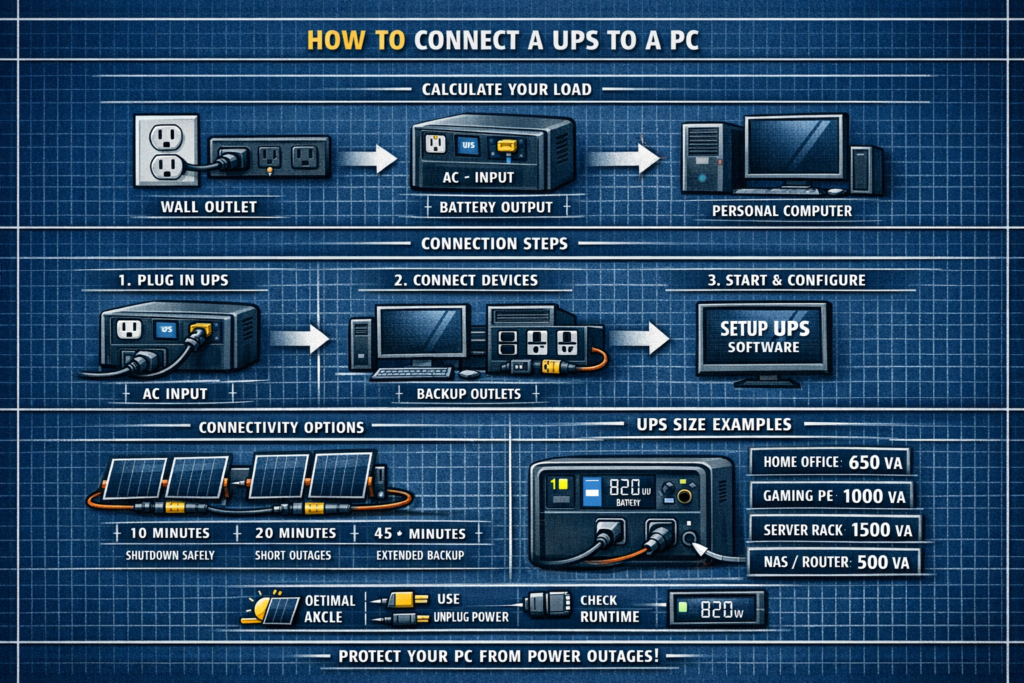
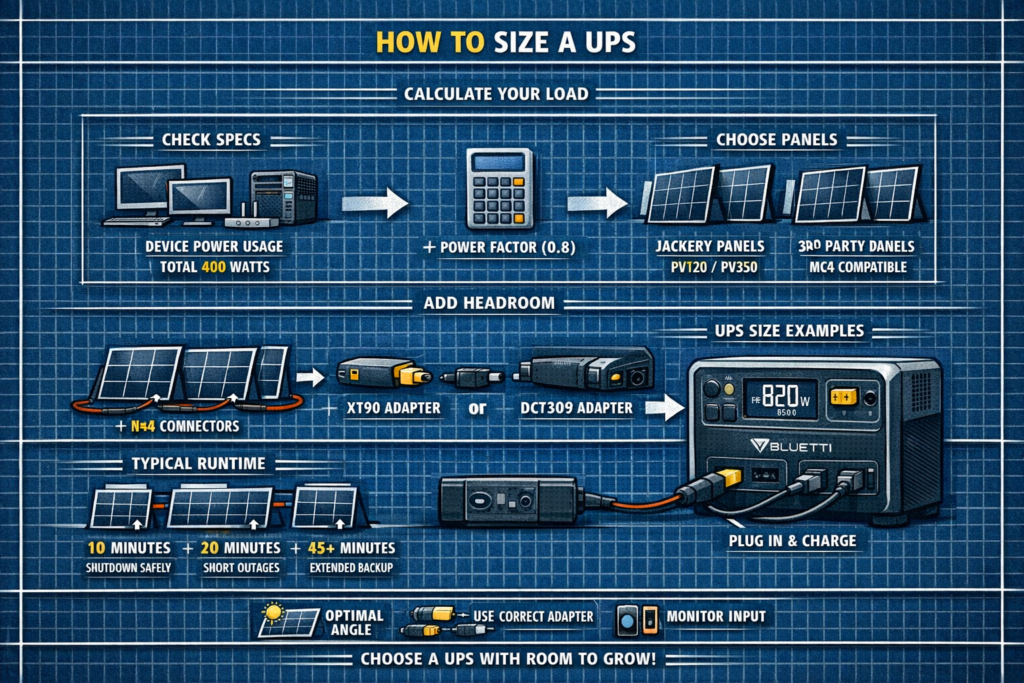
How to Size a UPS – Load, Runtime & VA/Watt Guide
Sizing a UPS (uninterruptible power supply) is all about matching three things: your equipment’s watt load, the UPS’s VA rating, and the runtime you need. Once you know those numbers, choosing the right UPS is straightforward.
This guide gives you a clean, step‑by‑step method to size a UPS for PCs, servers, networking gear, home offices, and small business equipment.
Step 1 – List Your Devices and Wattage
Start by listing everything you want the UPS to power during an outage.
| Device | Typical Watts |
|---|---|
| Desktop PC | 150–400W |
| Gaming PC | 400–800W |
| Monitor (x2) | 40–60W each |
| Wi‑Fi router | 10–20W |
| NAS / server | 40–120W |
Use device labels or a Kill A Watt meter for accurate numbers.
Step 2 – Add Up Total Watt Load
Example load list:
| Device | Watts |
|---|---|
| Desktop PC | 300W |
| Monitor | 50W |
| Router | 15W |
| NAS | 60W |
| Total Load | 425W |
Your UPS must support at least this wattage.
Step 3 – Convert Watts to VA (UPS Rating)
UPS units are rated in VA, not watts. To convert:
VA = Watts ÷ Power Factor
Most consumer UPS units have a 0.6–0.7 power factor.
Example with 425W load:
425W ÷ 0.6 ≈ 708VA
Round up to the next size: 850–1000VA UPS.
Step 4 – Add a Safety Buffer (Very Important)
UPS units should not run at 100% load. Use a 1.5× buffer for safe operation and longer battery life.
Example:
425W × 1.5 ≈ 640W
Choose a UPS with at least 650W / 1000VA.
Step 5 – Choose Your Runtime
UPS runtime depends on battery size and load. Typical runtimes:
| UPS Size | Load | Approx Runtime |
|---|---|---|
| 600VA / 330W | 200W | 5–10 min |
| 1000VA / 600W | 300W | 8–15 min |
| 1500VA / 900W | 400W | 10–20 min |
| 3000VA (rackmount) | 800W | 20–40 min |
Most home and office users need 5–10 minutes to save work and shut down safely.
Step 6 – Choose the Right UPS Type
Best For:
- Basic PCs
- Routers
- Small electronics
Cheapest, but not ideal for sensitive equipment.
Best For:
- Home offices
- NAS devices
- Mid‑range servers
Voltage regulation + better protection.
Best For:
- Servers
- Enterprise gear
- Medical / mission‑critical systems
Cleanest power, zero transfer time.
Example UPS Sizing Scenarios
Load: 300–450W
UPS Size: 1000–1500VA
Runtime: 5–10 min
Load: 150–300W
UPS Size: 1000–1500VA (line‑interactive)
Runtime: 10–20 min
Load: 500–1000W
UPS Size: 2200–3000VA (online)
Runtime: 10–30 min
Common Mistakes When Sizing a UPS
- Ignoring VA vs watts: VA rating is not the same as watt capacity
- Running at 90–100% load: kills batteries quickly
- Underestimating monitor and NAS loads
- Choosing too little runtime: 2 minutes is rarely enough
- Buying standby UPS for sensitive electronics
FAQ: UPS Sizing
How big should my UPS be?
At least 1.5× your total watt load.
How long should a UPS run?
Most users need 5–10 minutes to shut down safely.
Do I size for peak or average watts?
Size for peak to avoid overloads.
Does a bigger UPS last longer?
Yes—larger batteries = longer runtime at the same load.
⚡ Explore More Power Protection Guides
Pair your UPS with the right surge protection, runtime planning, and backup power strategy.
As an Amazon Associate, we earn from qualifying purchases. This does not affect our reviews or product recommendations.