Best Battery Backup for NAS Drives – Reviews – Comparisons – Buyer Insight
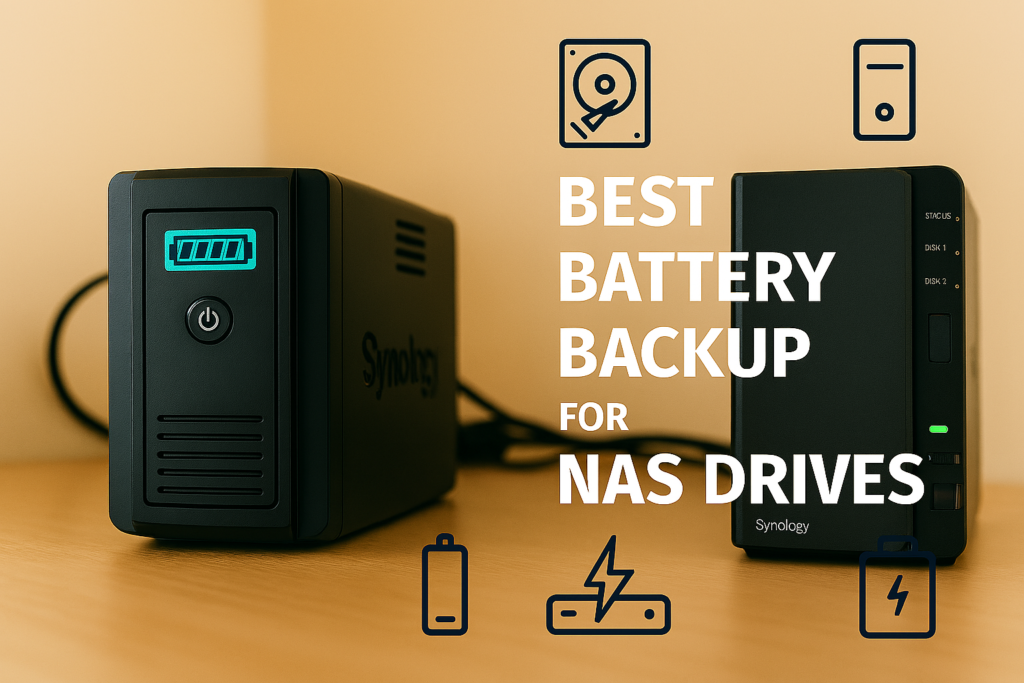
NAS drives require clean, uninterrupted power to prevent data corruption, RAID rebuilds, and drive damage. Whether you’re running Synology, QNAP, TrueNAS, or a custom home lab, the right battery backup system ensures your storage array stays online long enough for safe shutdowns or extended uptime. Because NAS units draw steady wattage and are sensitive to voltage dips, it helps to choose a system with pure sine wave output, fast UPS switchover, and enough capacity to support multiple drives.
This guide compares the best battery backup systems for NAS drives across real‑world scenarios. Each recommendation includes UPS behavior, inverter strength, runtime expectations, and NAS‑specific considerations so you can protect your data and avoid costly rebuilds.
Best NAS Battery Backup Systems — Quick Comparison
This comparison table gives you a fast overview of the top battery backup systems for NAS drives. It highlights UPS behavior, continuous output, capacity, and best‑use scenarios so you can quickly match a unit to your storage setup.
| Model | Best For | Capacity | Continuous Output | UPS Mode |
|---|---|---|---|---|
| APC Smart‑UPS 1000 | Synology & QNAP | 1000VA | 600W | Yes (2–4ms) |
| EcoFlow Delta 2 | Home labs | 1024Wh | 1800W | Yes (≈30ms) |
| Bluetti EB70S | Small NAS units | 716Wh | 800W | Yes (≈20ms) |
| CyberPower CP1500PFCLCD | RAID arrays | 1500VA | 1000W | Yes (2–4ms) |
| EcoFlow River 2 Max | Budget setups | 512Wh | 500W | Yes (≈30ms) |
Best NAS Battery Backup Systems by Scenario
NAS drives require clean, uninterrupted power with fast UPS switchover to prevent RAID rebuilds, file corruption, and drive failures. These recommendations cover the most common NAS outage scenarios, from small 2‑bay units to large RAID arrays and home lab setups.
APC Smart‑UPS 1000
Definition: This category is for Synology, QNAP, and TrueNAS users who need the fastest UPS switchover and cleanest power delivery.
The APC Smart‑UPS 1000 provides 600W of pure sine wave output with a near‑instant 2–4ms switchover — ideal for NAS units that cannot tolerate even brief interruptions. It integrates directly with Synology and QNAP for automated safe shutdowns.
| Capacity | 1000VA / 600W |
|---|---|
| Switchover Time | 2–4ms |
| Best Use | Synology & QNAP |
Pros
- Fastest UPS switchover
- NAS‑compatible shutdown integration
- Industry‑standard reliability
Cons
- Shorter runtime than power stations
- Lead‑acid battery (shorter lifespan)
EcoFlow Delta 2
Definition: This category is for home lab users running multiple NAS units, switches, and small servers.
The EcoFlow Delta 2 delivers 1024Wh of LiFePO4 storage and a strong 1800W inverter — ideal for powering multiple NAS units, routers, and lab gear. Its 30ms UPS mode is acceptable for most NAS units but not as fast as APC.
| Capacity | 1024Wh |
|---|---|
| Continuous Output | 1800W |
| UPS Mode | Yes (≈30ms) |
| Best Use | Home labs |
Pros
- Long runtime for multiple devices
- Fast AC charging
- LiFePO4 long‑life battery
Cons
- UPS switchover slower than APC
- Expansion battery adds cost
Bluetti EB70S
Definition: This category is for 1–2 bay NAS units that need long runtime but low wattage.
The Bluetti EB70S offers 716Wh of LiFePO4 storage and an 800W inverter — ideal for small NAS units, routers, and switches. Its 20ms UPS mode is fast enough for most consumer NAS devices.
| Capacity | 716Wh |
|---|---|
| Continuous Output | 800W |
| UPS Mode | Yes (≈20ms) |
| Best Use | Small NAS units |
Pros
- Compact and quiet
- Long runtime for low‑draw NAS
- LiFePO4 long‑cycle battery
Cons
- Not ideal for multi‑drive arrays
- Slower AC charging
Popular NAS Backup Accessories
These accessories help stabilize power, extend runtime, and protect sensitive NAS hardware.
Rack‑Mount PDU
Distributes clean power to NAS units, switches, and servers.
| Type | Rack‑mount |
|---|---|
| Use Case | NAS power distribution |
NAS Cooling Fan Kit
Maintains airflow during outages when HVAC may be offline.
| Power Draw | 5–10W |
|---|---|
| Use Case | Thermal stability |
USB‑to‑Ethernet Adapter
Ensures stable wired networking during outages when Wi‑Fi may drop.
| Speed | 1Gbps |
|---|---|
| Use Case | Network redundancy |
200W Folding Solar Panel
Provides renewable charging for long outages in home labs.
| Wattage | 200W |
|---|---|
| Use Case | Extended runtime |
How to Choose the Best Battery Backup System for a NAS
Choosing the right battery backup system for a NAS starts with understanding your NAS wattage, RAID configuration, and tolerance for power interruptions. NAS units draw steady power and are extremely sensitive to voltage dips, making UPS behavior and pure sine wave output essential. Because RAID rebuilds can take hours and data corruption is costly, it helps to choose a system with fast switchover time and enough capacity to support safe shutdowns or extended uptime.
| Factor | What to Consider |
|---|---|
| Continuous Output | Most NAS units draw 20–60W depending on drive count. |
| UPS Switchover Time | NAS units need 2–30ms depending on PSU tolerance. |
| Battery Capacity | 500–1500Wh covers safe shutdowns or extended uptime. |
| Pure Sine Wave Output | Required for safe operation of NAS power supplies. |
| NAS Integration | APC and CyberPower support direct shutdown signaling. |
| Surge Handling | Important for multi‑drive RAID arrays. |
People Also Ask (Quick Answers)
What size battery backup do I need for a NAS
Most NAS units need 500–1500Wh depending on drive count and required uptime.
Can a portable power station run a NAS
Yes — as long as it provides pure sine wave output and fast UPS switchover.
How long will a battery backup run a NAS
1000Wh typically powers a 40–60W NAS for 12–20 hours.
Do NAS drives need pure sine wave power
Yes — NAS PSUs require clean, stable power to avoid shutdowns or corruption.
Real NAS Runtime Examples
These examples show how long common NAS wattages can run on different battery capacities. Actual runtime varies based on drive count, CPU load, and RAID activity, but these estimates provide a realistic baseline for outage planning.
| NAS Type | Typical Wattage | 500Wh Unit | 1000Wh Unit | 1500Wh Unit |
|---|---|---|---|---|
| 2‑Bay NAS (Synology DS220+) | 20–30W | 16–24 hours | 32–48 hours | 48–72 hours |
| 4‑Bay NAS (QNAP TS‑453D) | 35–50W | 10–14 hours | 20–30 hours | 30–45 hours |
| 8‑Bay RAID Array | 60–90W | 6–10 hours | 12–20 hours | 18–30 hours |
Common Mistakes When Choosing a NAS Battery Backup
- Ignoring UPS switchover time: NAS units may reboot if the delay is too long.
- Using modified sine wave inverters: These can damage NAS PSUs.
- Undersizing capacity: NAS units drain batteries faster than expected during RAID activity.
- Assuming all power stations support UPS mode: Many do not.
- Skipping surge handling: Multi‑drive arrays spike on startup.
FAQ: NAS Battery Backup Systems
Can I run my NAS off a battery backup during a power outage
Yes — as long as the inverter provides pure sine wave output and fast UPS switchover.
Do I need a UPS for my NAS
Yes — NAS units require uninterrupted power to prevent data corruption.
Can I charge a battery backup with a generator
Yes — but only if the generator provides clean, stable output.
Is 500Wh enough for a NAS
It works for short outages; 1000–1500Wh is better for extended uptime.
📦 Explore More Backup Power Guides
Protect your data and keep your storage online with our full collection of NAS and home‑lab power guides.
As an Amazon Associate, we earn from qualifying purchases. This does not affect our reviews or product recommendations.